AI Virtual Try-On
Upload your photo and up to four garments: see the clothes on you. Only the clothes change; your face, pose and background stay exactly as they are.
The clothes are put on your own photo and nothing else changes: same face, hair, pose, background, light and framing. Add one to four garments and wear them together as one outfit, or try each piece on separately. Extra photos of the same person help keep the likeness, and you can pick the image model.
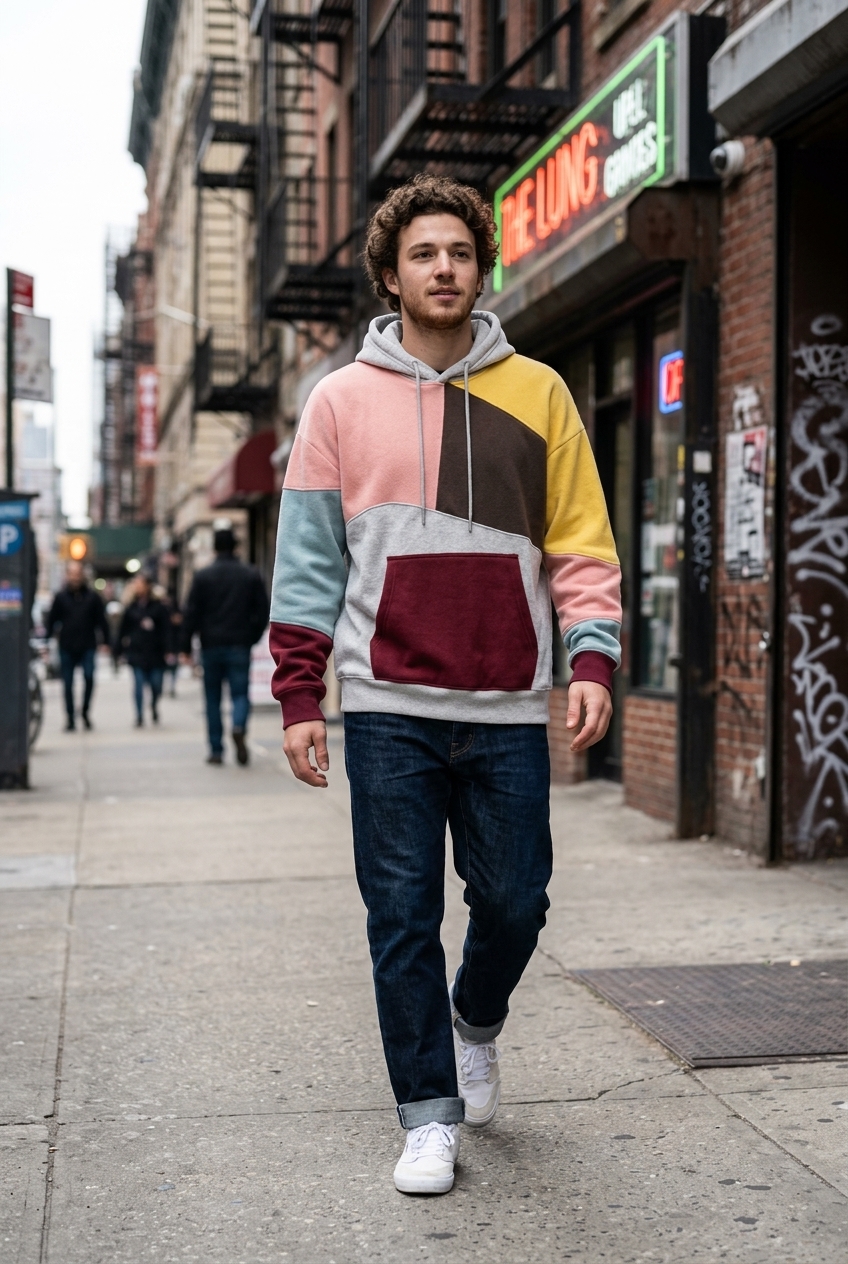
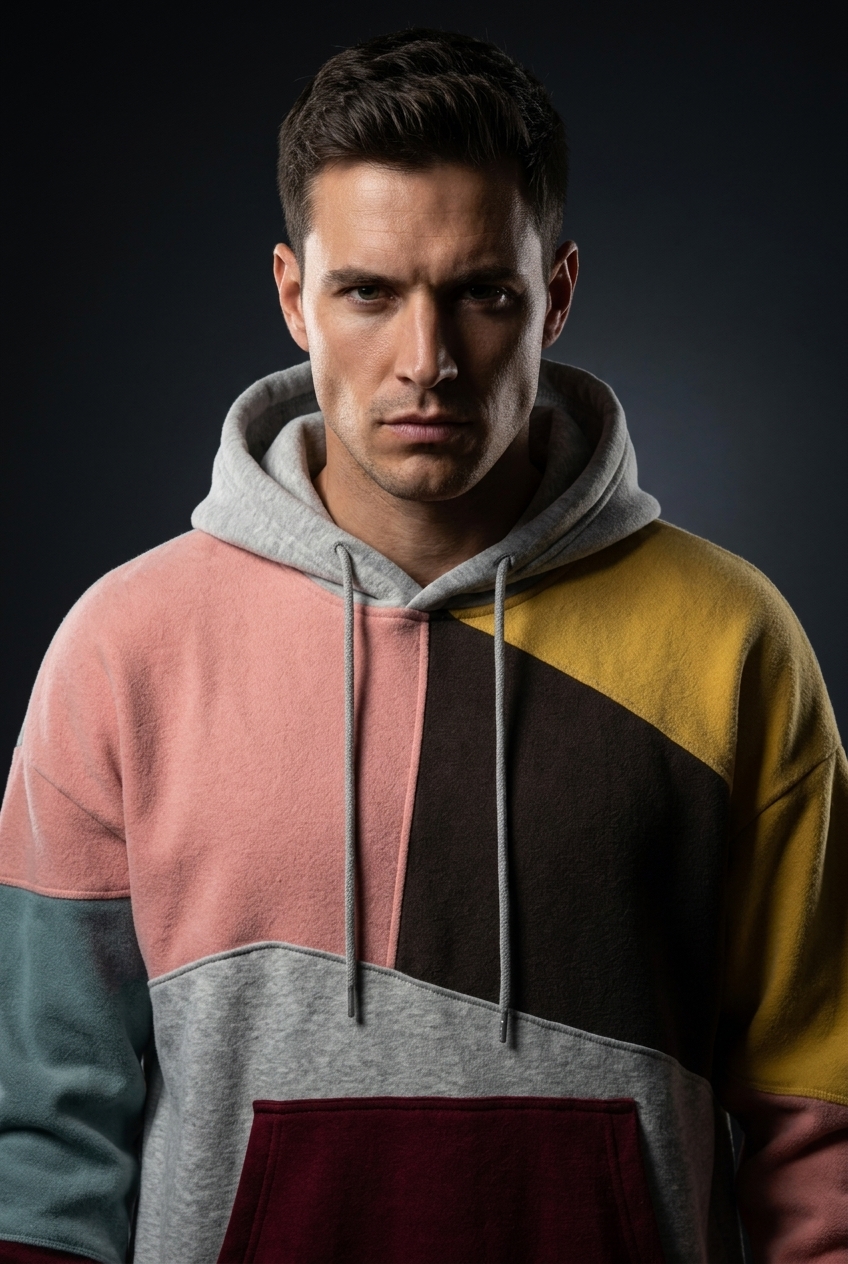
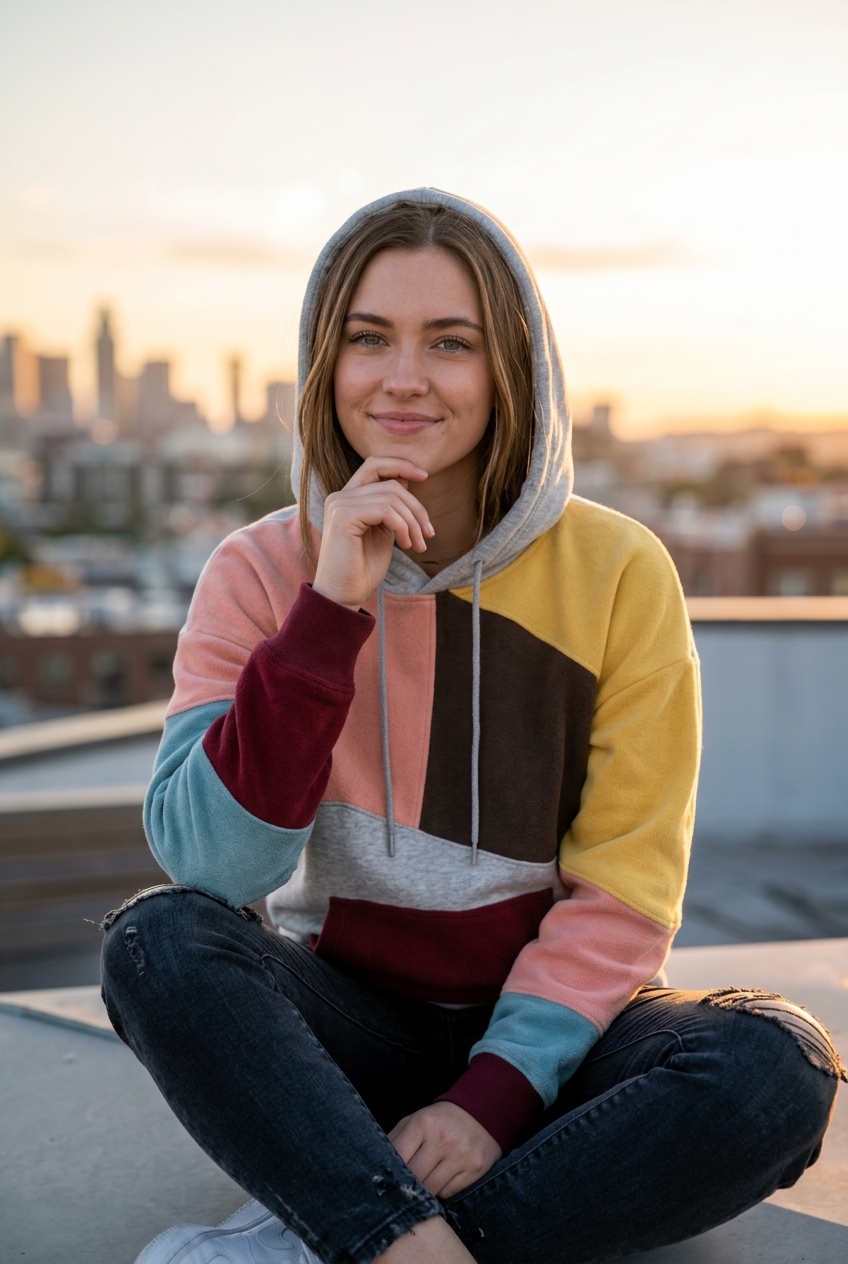
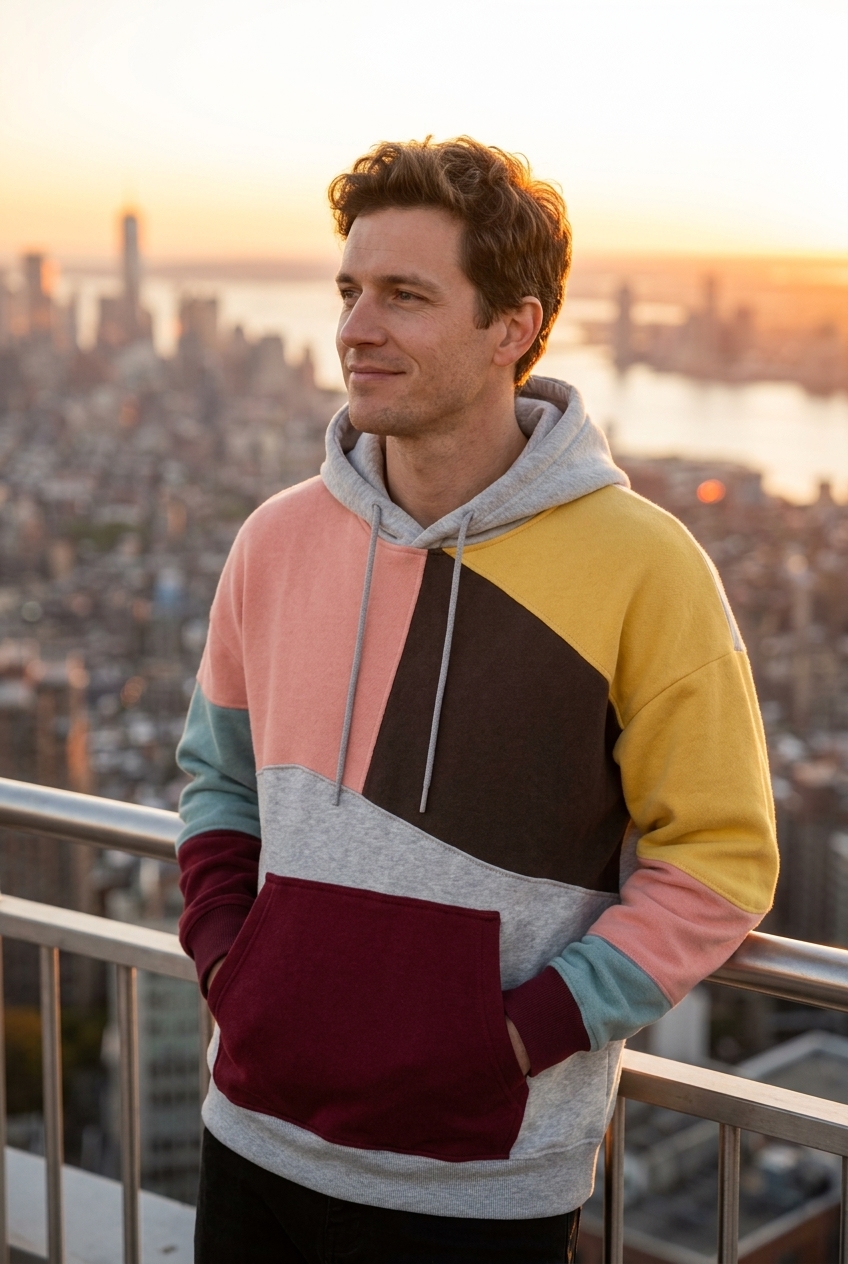
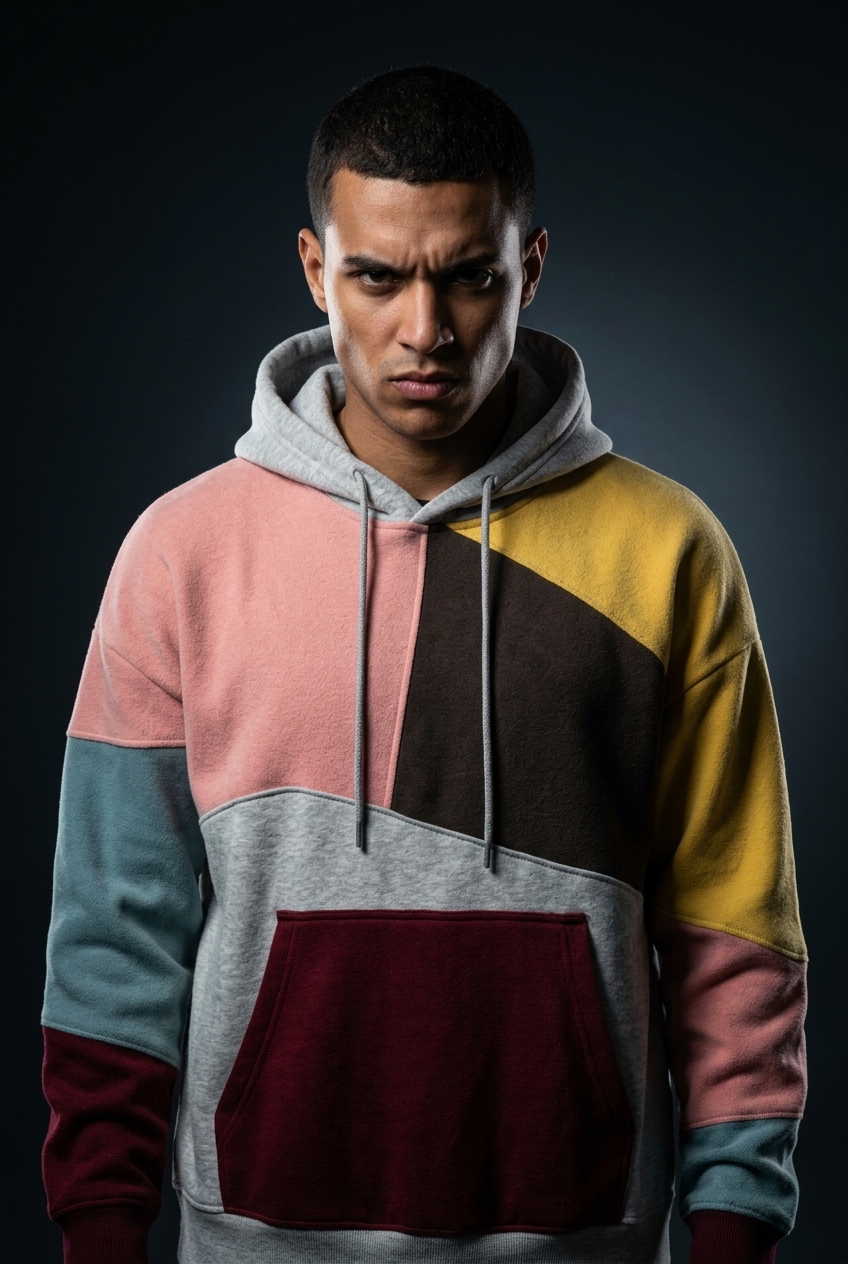
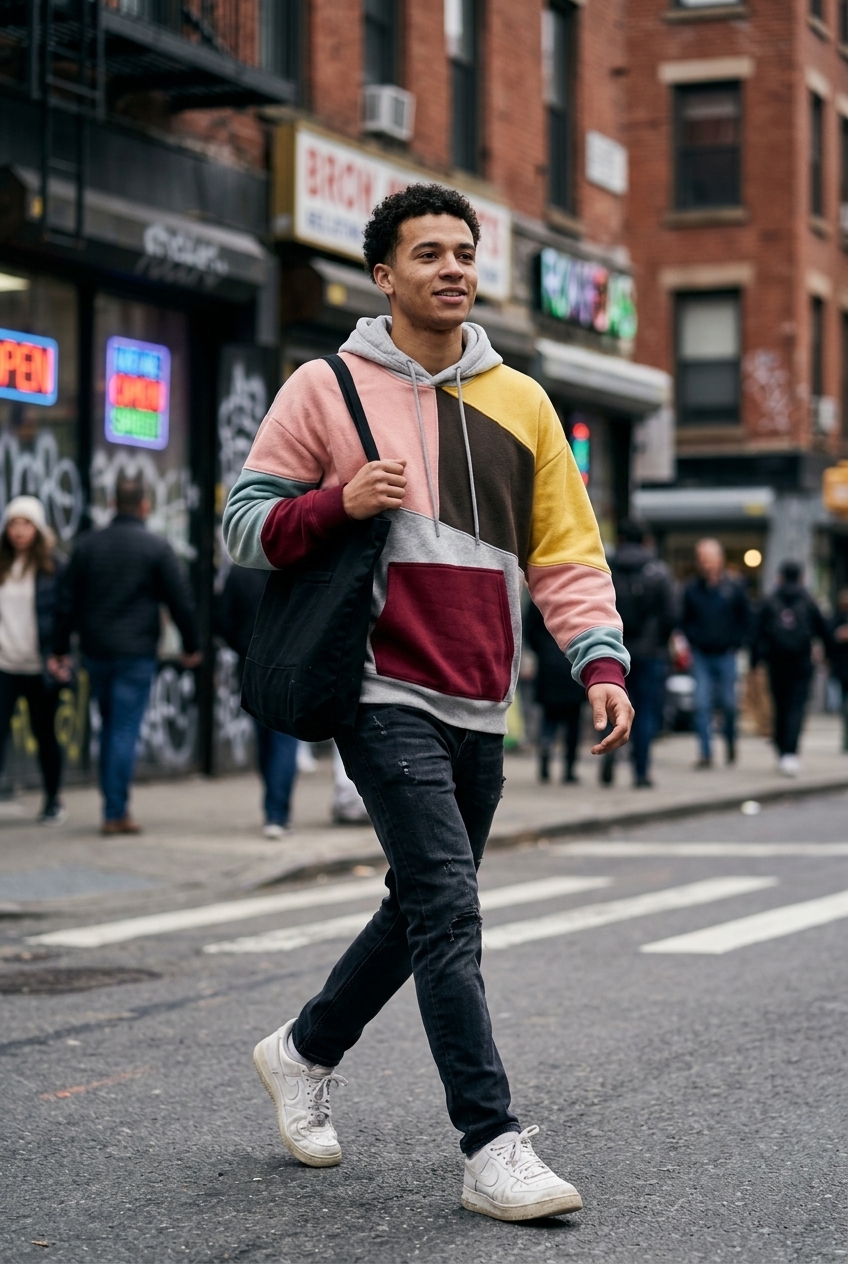
The clothes are put on your own photo and nothing else changes: same face, hair, pose, background, light and framing. Add one to four garments and wear them together as one outfit, or try each piece on separately. Extra photos of the same person help keep the likeness, and you can pick the image model.
Use cases
Check before you buy
See how a jacket or a full outfit looks on you before ordering it.
On-model product images
Put your garments on a model photo you already have, keeping the shot you like.
Outfit planning
Try several pieces at once, or one at a time, to see what works together.
Frequently asked questions
Upload your photo and photos of the garments. The AI edits your photo so you're wearing them, keeping the garment's cut, color, fabric and print, and leaving everything else in the photo as it was.
New accounts get 100 free credits, and one try-on costs about 40, so your first try-ons are free. No credit card needed.
No, only the clothes. Your face, hair, pose, background, lighting and framing stay as in your photo.
Yes. Choose 'Together as one outfit' to wear up to four pieces in one image, or 'One at a time' to get one image per garment.
For you: a clear, well-lit photo with the body visible where the clothes go. For garments: flat lays, hanger shots or on-model photos with the whole piece visible.
The prompt keeps the exact cut, colors, patterns, prints and logos. Very intricate patterns can vary slightly; run it again or try another image model.
How it works
Fill in the form
Upload your images and enter your prompts — no node editor needed.
Generate
Hit generate and the AI workflow runs automatically behind the scenes.
Download or customize
Get your results instantly, or open in the full workspace to tweak everything.
Models behind this tool
Related tools
AI Product Photography
Upload one product photo and get four professional lifestyle scenes — kitchen, garden, studio, and living room — background-removed, restaged, and upscaled to crisp detail.
AI Fashion Photoshoot Generator
Upload your clothing photos and get a full AI fashion photoshoot — a generated model wears your garments across styled, cinematic shots.
AI Product Animator
Animate a product photo into a short, ultra-realistic promo clip — background removed, product restaged, then brought to life with camera motion.
AI Lookbook Generator
Turn product photos into a styled four-panel lookbook grid — one polished, magazine-ready layout from a single run.