Every frontier model maker, one canvas








Best price engine
Best price,
every time.
The same model costs different amounts depending on who resells it. Every generation runs a live price auction across 16 providers and lands on the cheapest one. No comparing prices, ever.
Describe what you want to generate...
Scenetra is a visual AI workspace that lets you generate images, videos, and audio using 50+ AI models through a node-based interface. Every model is billed at provider cost — no markup, no per-model subscriptions — and the whole workspace is drivable by agents through our MCP server.
New · Scenetra Copilot
Describe it.
Watch it build.
A creative director beside your canvas. Tell it what you need, and it designs the workflow, picks the models, writes the prompts, and wires the whole board, ready to run.
Scenetra MCP
Your workspace,
on speaking terms.
Connect Claude, Cursor, or any MCP agent to Scenetra. Say what you want, and the agent builds the board, runs every model at the best price, and hands back the results.
Claude Code
scenetra mcp · connected
~/studio/campaign
? for shortcuts
REUSABLE WORKFLOWS
Start creating immediately with our library of production-ready workflows, or build your own custom workflows from scratch. Save any workflow as a template to reuse across projects.
Easy Seedance 2
Try everything Seedance 2 can do from one board — every mode (T2V, I2V, Ref2V) and every tier (2, Mini, Fast), pre-wired with example prompts and a how-to note.
Open in Scenetra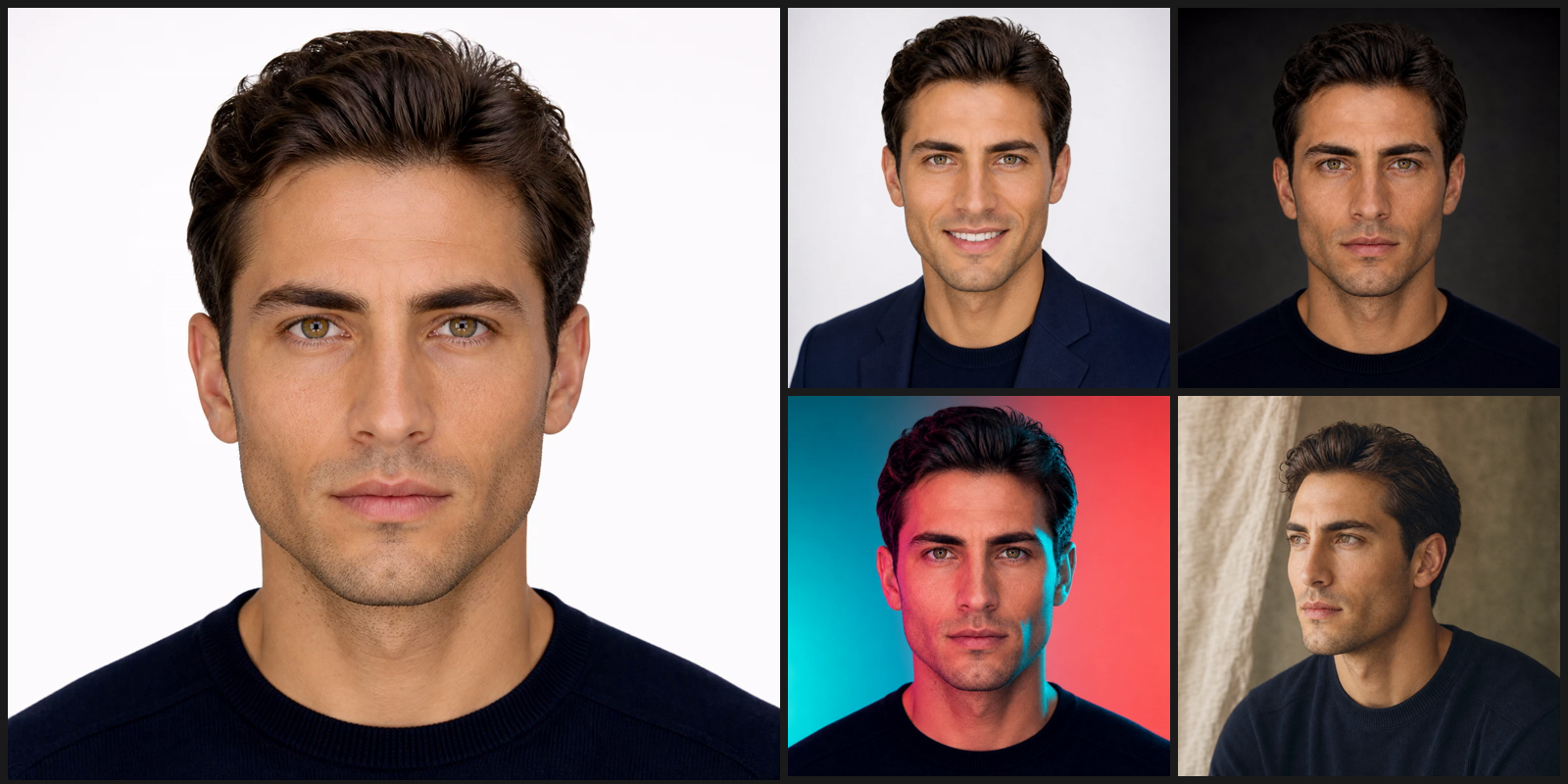
Generate pro headshots
Get 16 polished headshots in 4 different themes with studio lighting, sharp attire, and clean backgrounds.
Open in ScenetraSeedance-2 UGC Videos
Turn one face photo into four ready-to-post UGC videos of the same character
Open in ScenetraSteal the Moves
Take the motion from one video and make any character perform it. Upload a clip with clear movement and up to four character images — DreamActor M2.0 outputs one video per character, each performing the exact same gestures in sync. Perfect for testing which AI character sells a dance, a talking clip or a gesture best.
Open in Scenetra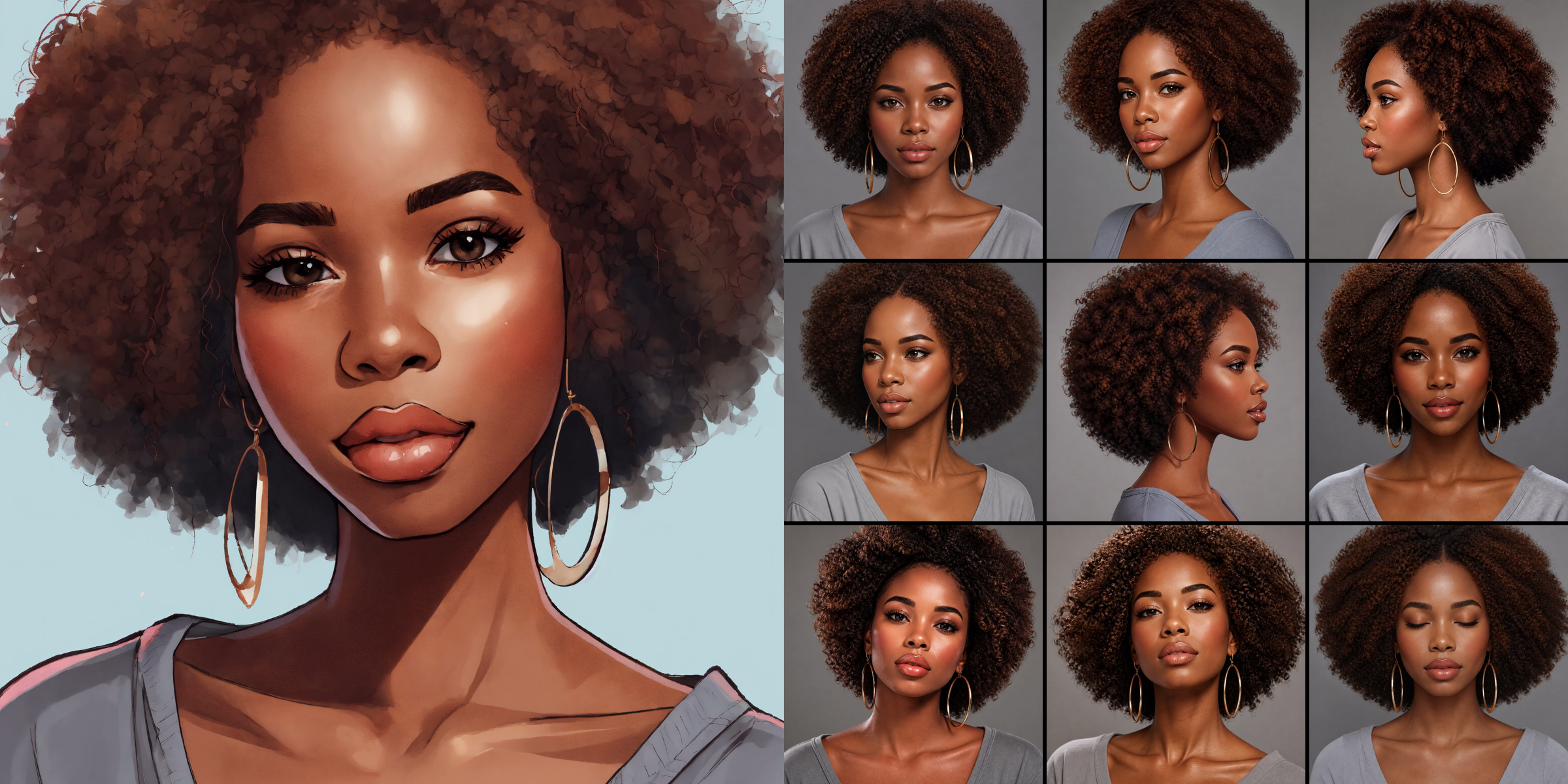
Character Reference Grid
Turn one uploaded face photo into a 12-angle, identity-locked character reference sheet
Open in Scenetra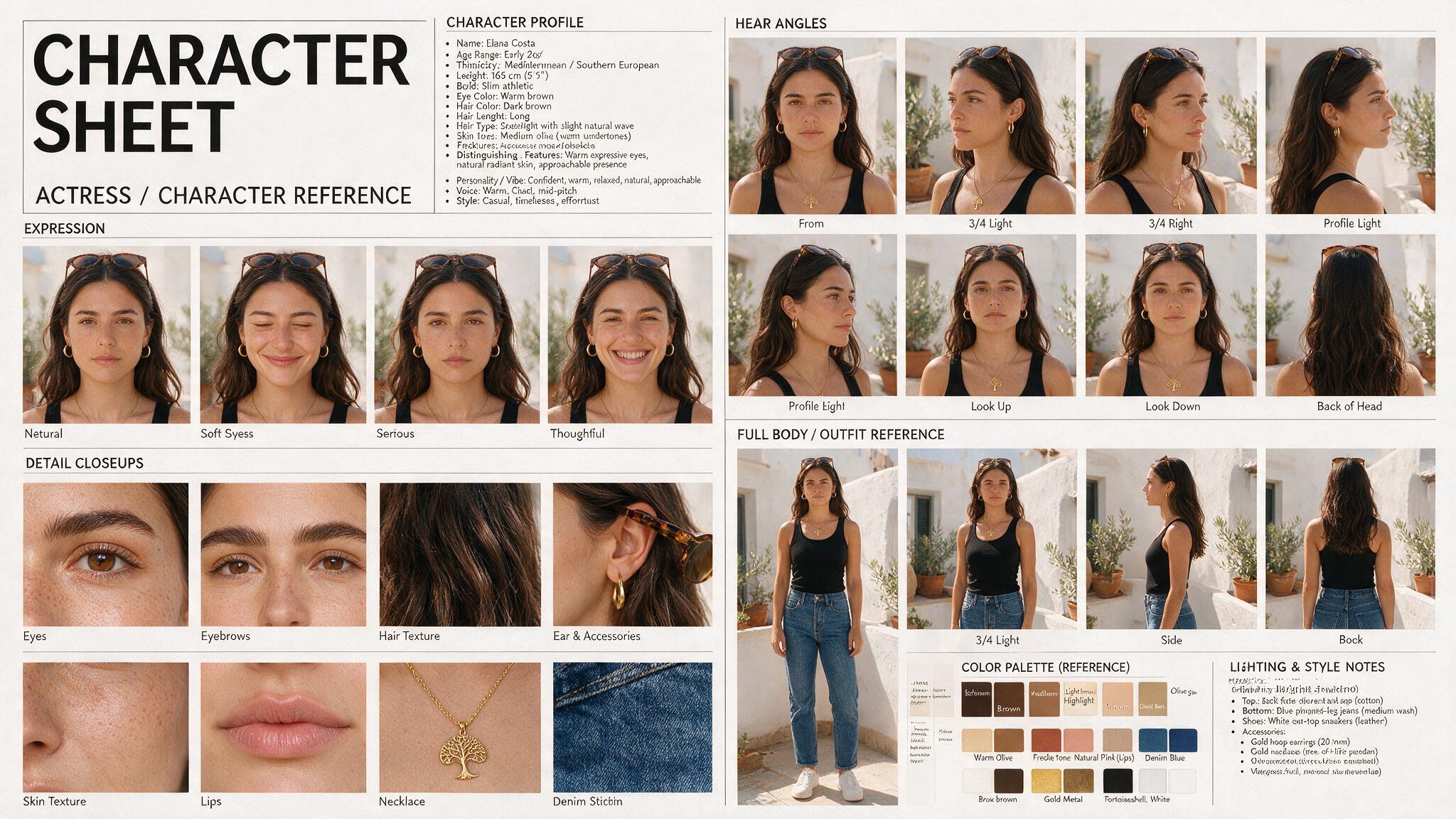
Generate Character Sheets
Describe a character in three text boxes — who they are, what they wear, their vibe — and get a complete editorial casting sheet as a single image: profile column, 8 head angles, 5 expressions, 8 detail close-ups, full-body outfit views with breakdown, hair and face analysis, color palette and lighting notes. The same person, perfectly identical in every panel. Generated by GPT Image 2, no reference photo needed.
Open in ScenetraSeedance-2 UGC Videos
Turn one face photo into four ready-to-post UGC videos of the same character
Open in ScenetraCharacter Reference Grid
Turn one uploaded face photo into a 12-angle, identity-locked character reference sheet
Open in ScenetraGenerate Character Sheets
Describe a character in three text boxes — who they are, what they wear, their vibe — and get a complete editorial casting sheet as a single image: profile column, 8 head angles, 5 expressions, 8 detail close-ups, full-body outfit views with breakdown, hair and face analysis, color palette and lighting notes. The same person, perfectly identical in every panel. Generated by GPT Image 2, no reference photo needed.
Open in Scenetra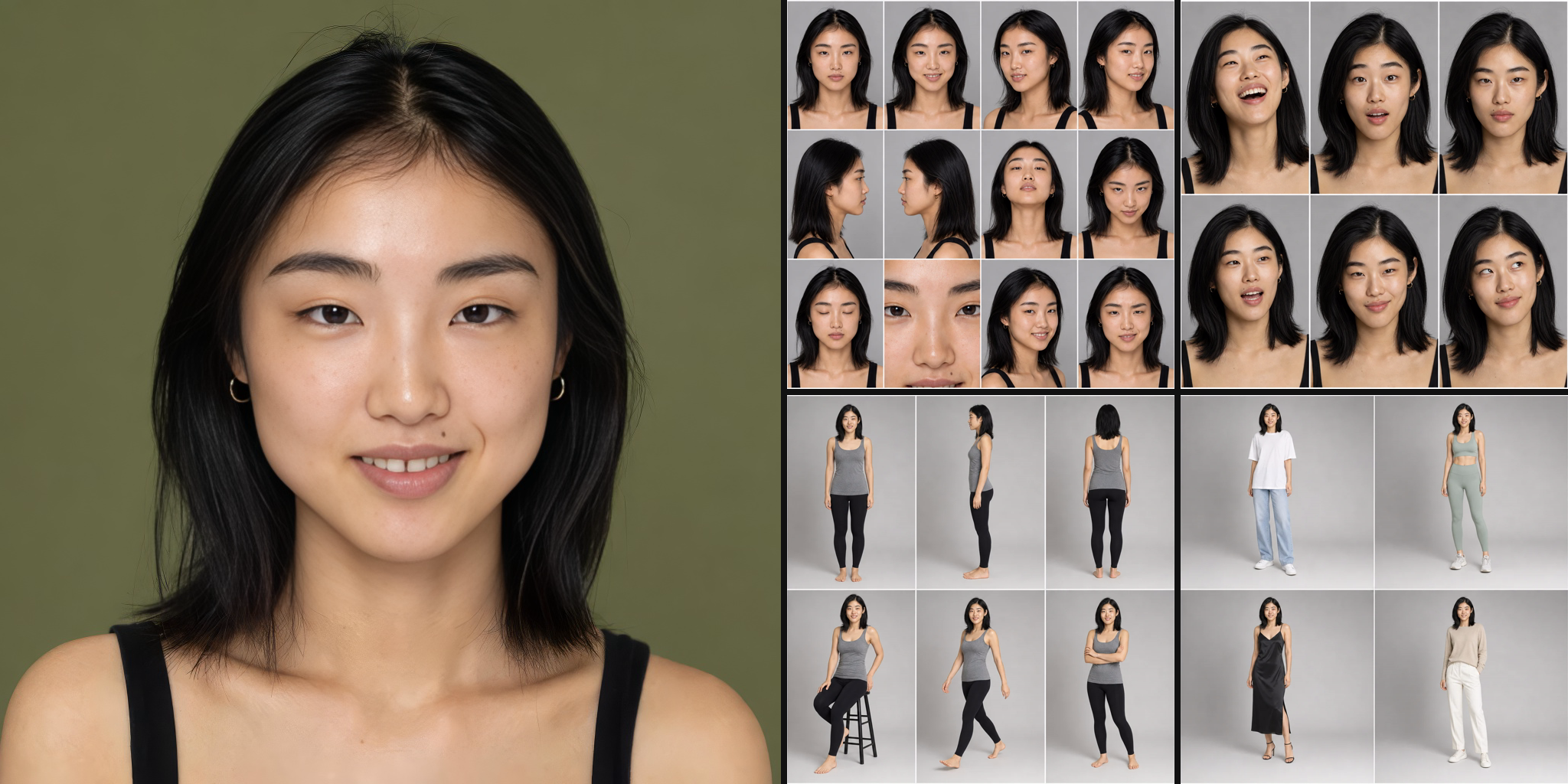
AI Character Builder
Create a complete AI character from a text prompt — no photo needed. Describe the face in a structured prompt, generate a casting portrait, upscale it into a skin-detailed master face, then auto-build identity-locked reference sheets: 12 angles, 6 expressions, 4 hairstyles, a full-body turnaround and a 4-look wardrobe — everything you need for consistent shots and UGC videos.
Open in ScenetraGrok Character Videos
Describe a character in text and get four Grok Imagine Video v1.5 clips of them — a street interview, a living-room dance, a kitchen talk and a cooking scene, each with generated audio. The board builds the identity first (master face plus angle, emotion, hair, body and wardrobe reference sheets) so your character stays the same person in every video. No photo upload needed.
Open in ScenetraGenerate pro headshots
Get 16 polished headshots in 4 different themes with studio lighting, sharp attire, and clean backgrounds.
Open in Scenetra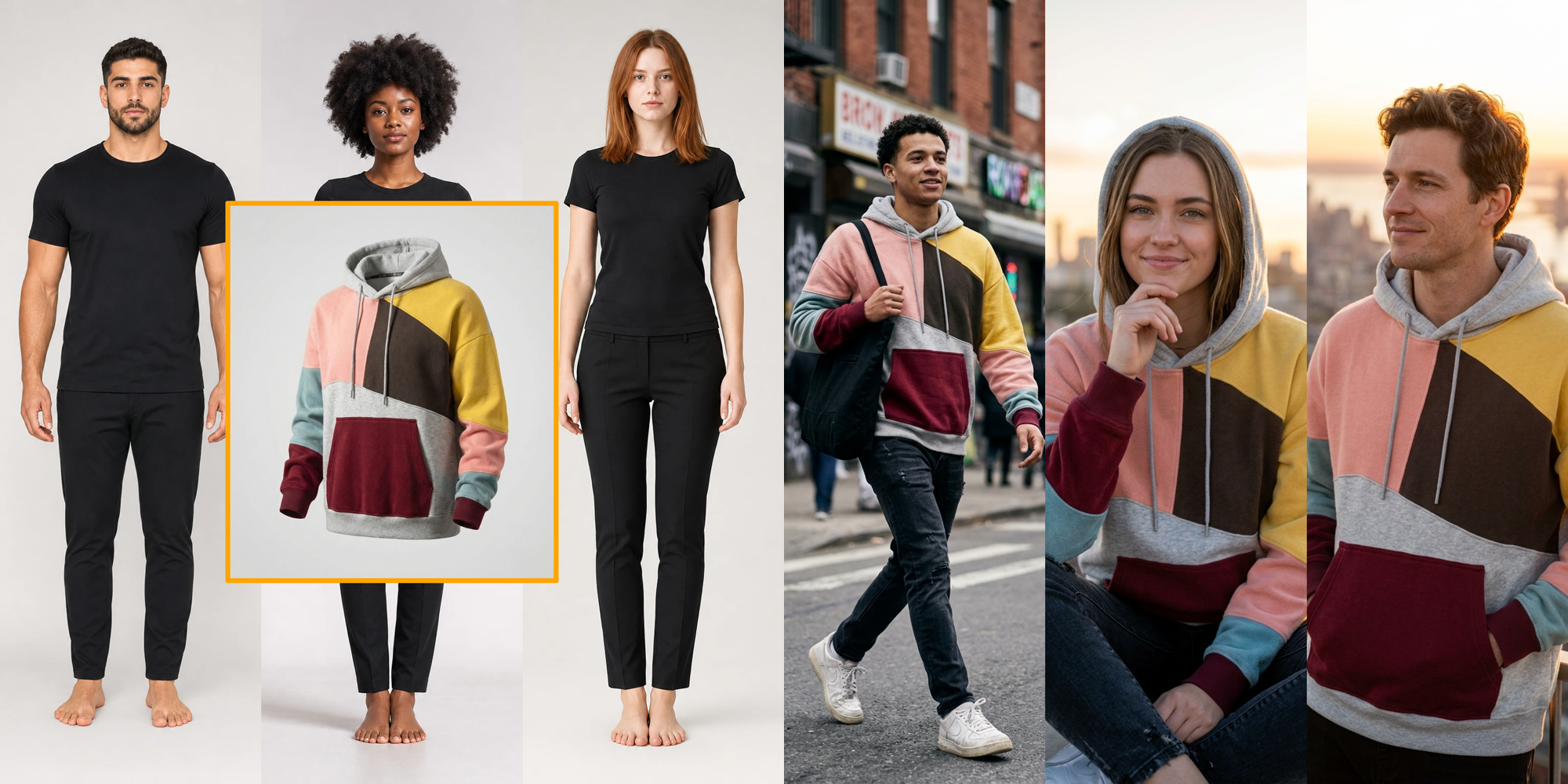
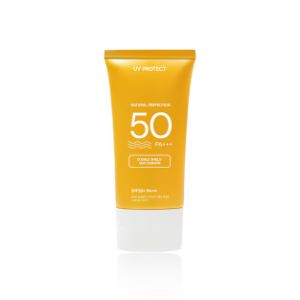
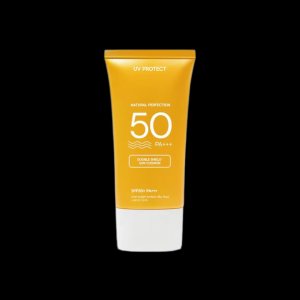
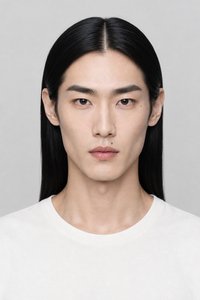
Create Virtual Try-Ons for PDP
Create endless virtual model shots for e-commerce PDP
Open in ScenetraSteal the Moves
Take the motion from one video and make any character perform it. Upload a clip with clear movement and up to four character images — DreamActor M2.0 outputs one video per character, each performing the exact same gestures in sync. Perfect for testing which AI character sells a dance, a talking clip or a gesture best.
Open in ScenetraCreate Product Ad VFX
Add cinematic visual effects to your product ads for scroll-stopping promos.
Open in Scenetra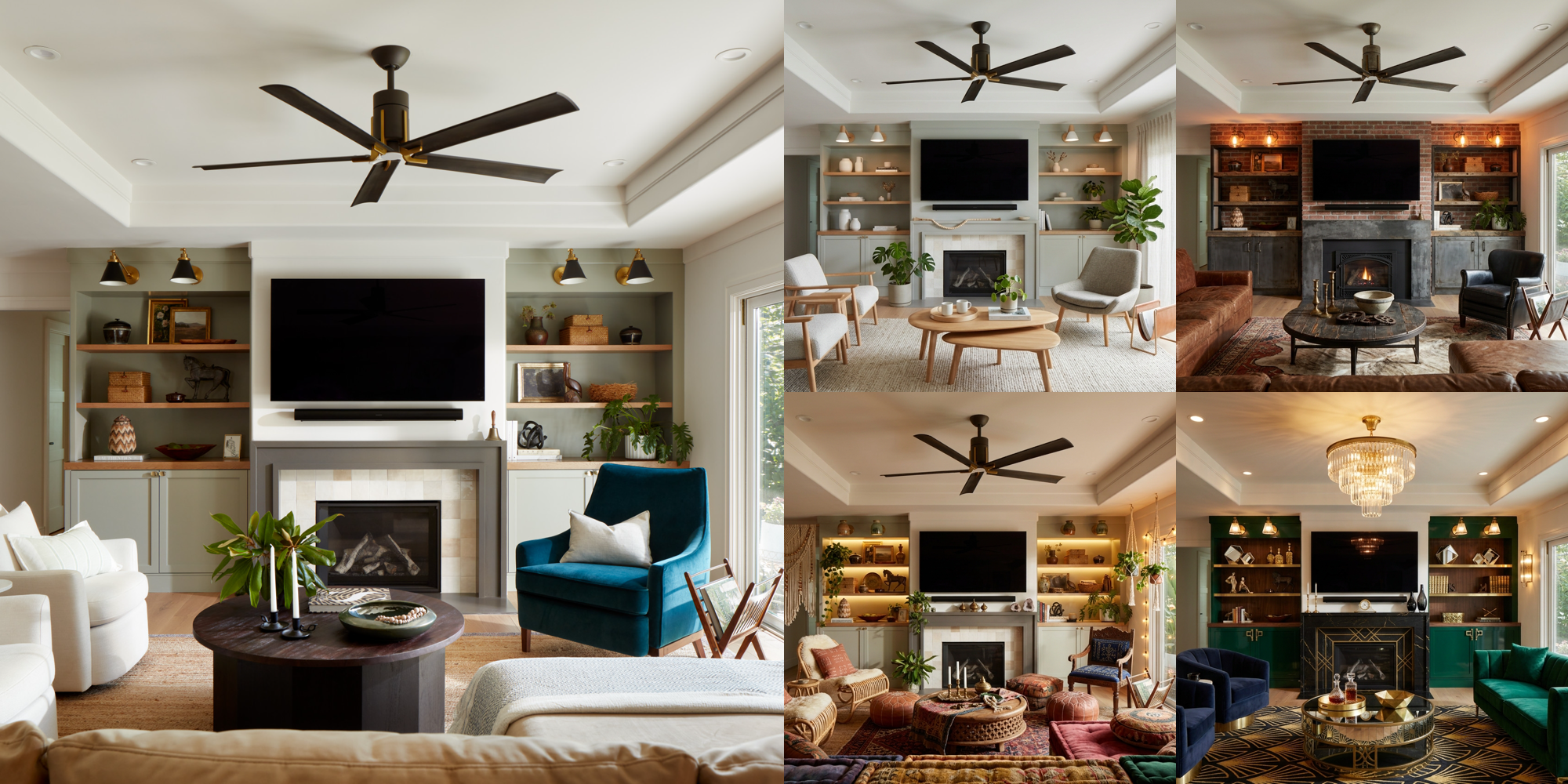
Every frontier model.
One subscription. 50+ models, always at the best price — no separate licenses, no juggling accounts.
Seedream 5 Pro
Flagship image generation & editing
Seedream 5 Lite
Fast, low-cost image model
Seedance 2.5
Multi-shot text & image to video
Seedance 2
Cinematic video, std to mini

Kling 3.0 Pro
Refined cinematic video
Kling 3.0 Standard
High-quality video generation

Grok Imagine 2
Fast creative images
Grok Video 1.5
Text, image & reference video
Nano Banana 2
State-of-the-art image generation
Nano Banana Pro
Photorealistic, up to 4K
Nano Banana 2 Lite
Fast, inexpensive edits
Gemini Omni Flash
Video generation & editing

Wan 3.0
Text, image & reference video
Happy Horse 1.1
Character video with references
MiniMax H3
768p to 2K video with audio
FLUX.2 Pro
Pro-grade image generation
FLUX-3
Next-generation video
GPT-Image-2
Detailed image editing
Krea 2
Style-reference images, Medium & Large
QUESTIONS, ANSWERED
Everything you need to know about Scenetra.
Scenetra is a visual AI workspace that lets you generate images, videos, and audio using 50+ AI models through a node-based interface. You connect models like Flux, Kling, Sora, and Veo into reusable workflows and go from idea to output without writing code.
Scenetra gives you access to every major model in one place: image models like Nano Banana, Flux 2, GPT Image, Seedream, and Imagen, and video models like Sora 2, Veo 3.1, Kling 3.0, Seedance, and Wan. New models are added as they're released — no extra setup needed.
No. Scenetra is fully visual — you build workflows by connecting nodes on a canvas. If you can drag and drop, you can build a production workflow.
No. One Scenetra account gives you access to all supported models. You don't need accounts with OpenAI, Google, Black Forest Labs, or anyone else — we handle the infrastructure.
The same model is resold by many providers at very different prices — the gap is often 1.5-3x and can reach 7x. Every generation on Scenetra runs a live price auction across 10 suppliers and automatically runs on the cheapest one that supports your exact settings. You never pick a provider or compare prices.
No. Usage is billed at exactly what the compute costs — 1,000 credits always equal $1.00 of provider compute, with 0% added. Our revenue comes from credit purchases, not from spending them, so routing you to an expensive supplier never pays off. Prices are re-verified against every supplier's own pricing pages and APIs daily.
Yes. Connect any image node to a video model like Kling, Veo, or Sora, and your generated image becomes the starting frame for a video. You can chain image generation, editing, and video generation in a single workflow.
Workflows are node graphs you build once and reuse forever. Start from our library of production-ready templates — background replace, product relighting, character consistency — or build your own and save it as a template for future projects.
Yes. Batch variation tools let you generate dozens of outputs from one prompt — across different models, seeds, or parameter sets — so you can compare results side by side and keep the winners.
That's one of Scenetra's core strengths: run the same prompt through multiple models simultaneously and compare results in one view, instead of switching between provider websites and re-typing prompts.
Creating an account is free. Subscriptions and one-time credit packs buy credits, and every generation spends them at provider cost with zero markup, always at the best price across our suppliers. See the pricing page for current plans.
Designers, marketers, e-commerce teams, and creators who produce visual content at volume — anyone who needs professional image and video output without juggling five different AI subscriptions.