Scenetra MCP Server
Connect once.
Create anywhere.
The Scenetra MCP server turns Claude Code, Cursor, and Claude Desktop into image and video studios. Your agent browses the models, designs the workflow, builds the board, and hands you finished renders — on your account, in your studio.
claude mcp add scenetra --transport http https://app.scenetra.com/api/mcp --header "Authorization: Bearer sct_YOUR_TOKEN"
Get your token in Settings → MCP / API Access
Works with Claude Code · Cursor · Claude Desktop · any MCP client
Every frontier model maker, one canvas








Three steps
From zero to first render.
Create a token
One click in Settings → MCP / API Access. It's shown once, stored hashed, and revocable anytime — the only credential you need.
Paste one command
Pick your tool below; setup is a single paste. No OAuth dance, no config surgery.
Ask for what you want
“Build me a three-style product shoot.” Your agent plans the board, wires the nodes, runs it, and reports back with links.
claude mcp add scenetra --transport http https://app.scenetra.com/api/mcp --header "Authorization: Bearer sct_YOUR_TOKEN"
Paste in your terminal
In practice
One request. A finished board.
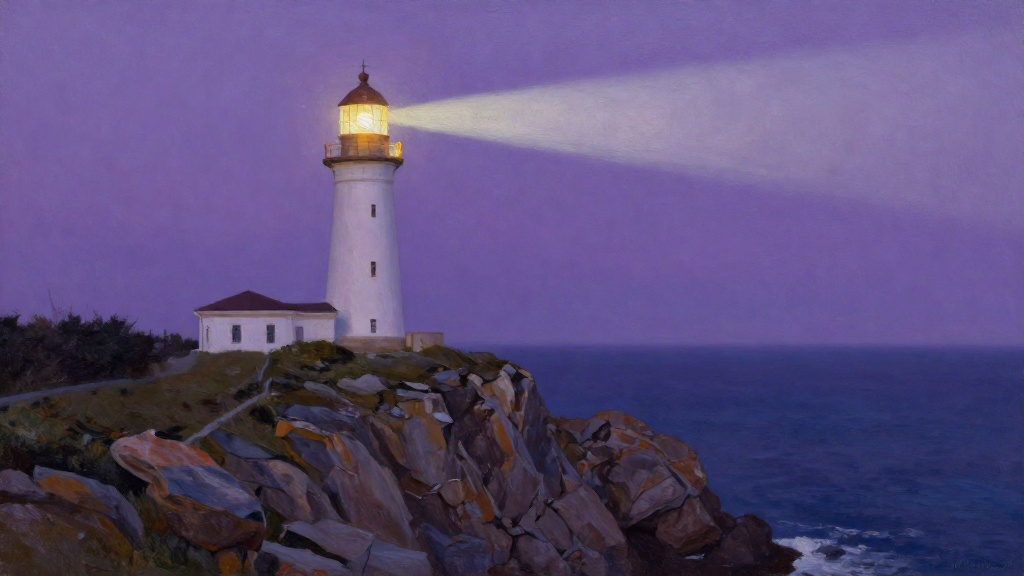
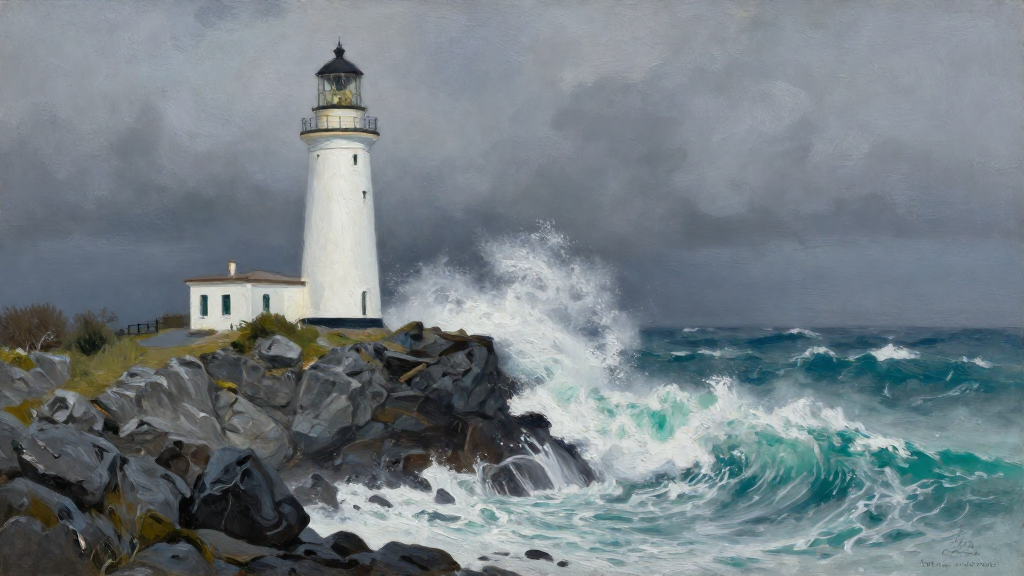
This two-mood lighthouse study was built end-to-end by Claude Code over MCP — prompts, concatenators, generators, groups — then executed and polled to completion in twelve seconds. Nobody touched the canvas.
→ get_model_schema z-image-turbo
→ execute_board “Lighthouse Moods” · RUNNING
→ get_run_status COMPLETED · 2 images
What agents can do
Seven tools.
The whole studio.
Knows the house rules
Agents read Scenetra's board-building guidelines before they build — lanes, shared prompts, wiring patterns, common pitfalls.
Browses 50+ models
The full catalog with live pricing — image, video, and audio, from fast drafts to cinematic renders.
Reads every schema
Exact input fields, handles, and costs per model, generated from the same registry the app runs on. Never out of date.
Drafts blueprints
Boards without execution — templates and drafts that cost nothing until you choose to run them.
Runs and reports
Kicks off generation, polls progress while branches run in parallel, and returns image and video URLs when the run completes.
Extends live boards
Adds new stages to boards you already have, consuming outputs already on the canvas — append-only, never destructive.
Bills like you'd expect
Runs use your credits or your own provider keys — same rates as the app, no separate plan.
Questions