AI Interior Design Generator
Upload a photo of your room and get it redesigned in eight interior styles at once — Scandinavian, Japandi, mid-century, industrial, farmhouse, boho, minimalist, and art deco.
The app keeps your room's architecture — layout, windows, proportions — and re-imagines everything else eight times: furniture, materials, colors, and lighting in Scandinavian, Japandi, mid-century modern, industrial loft, modern farmhouse, bohemian, minimalist modern, and art deco styles. One upload, eight fully styled directions to react to.
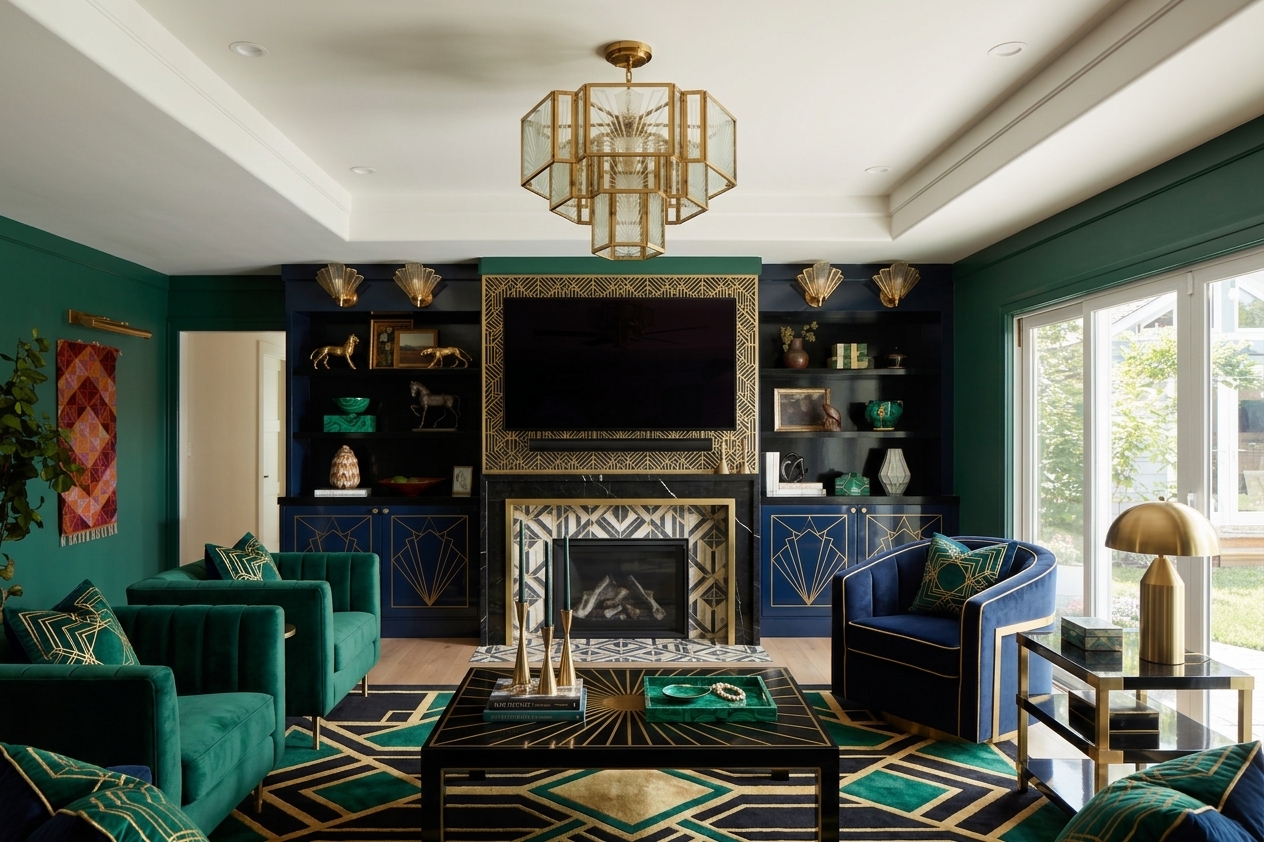
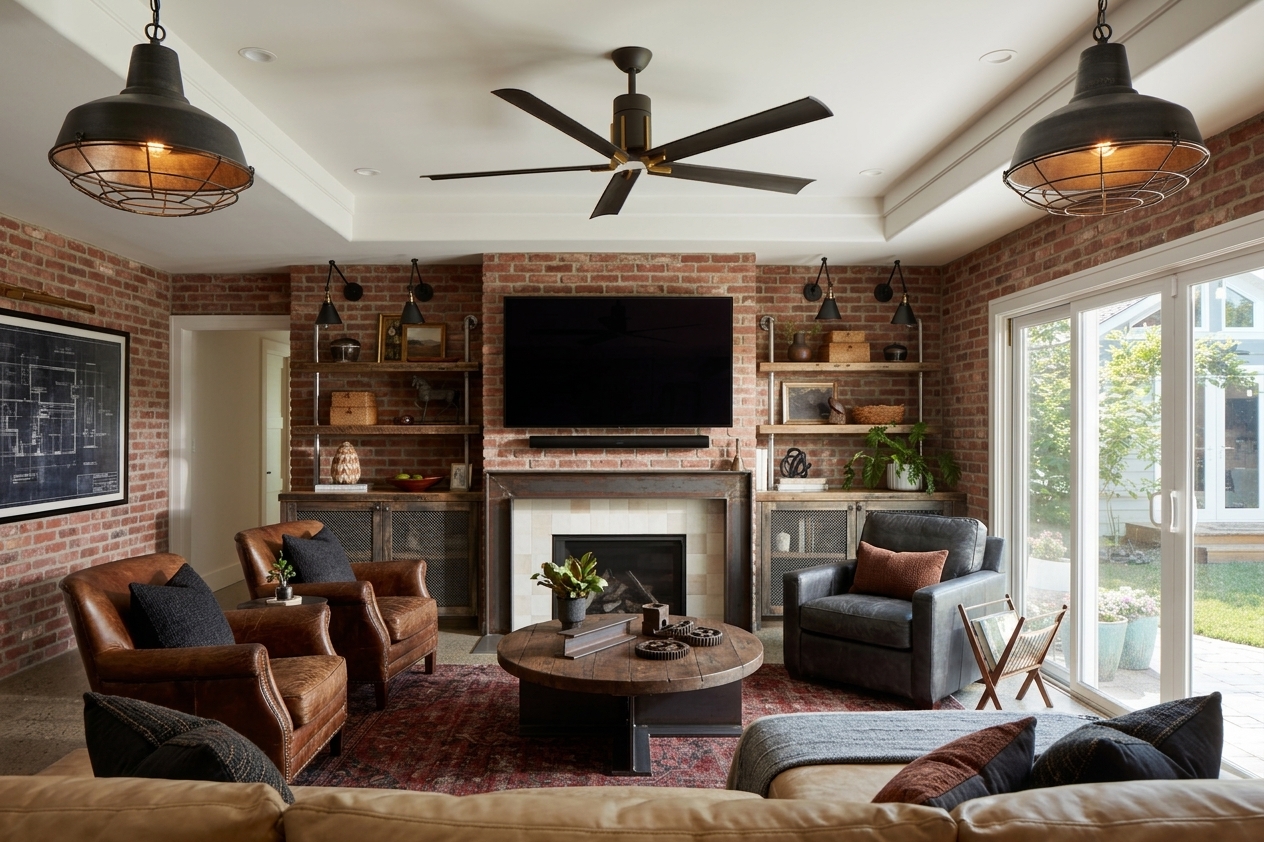
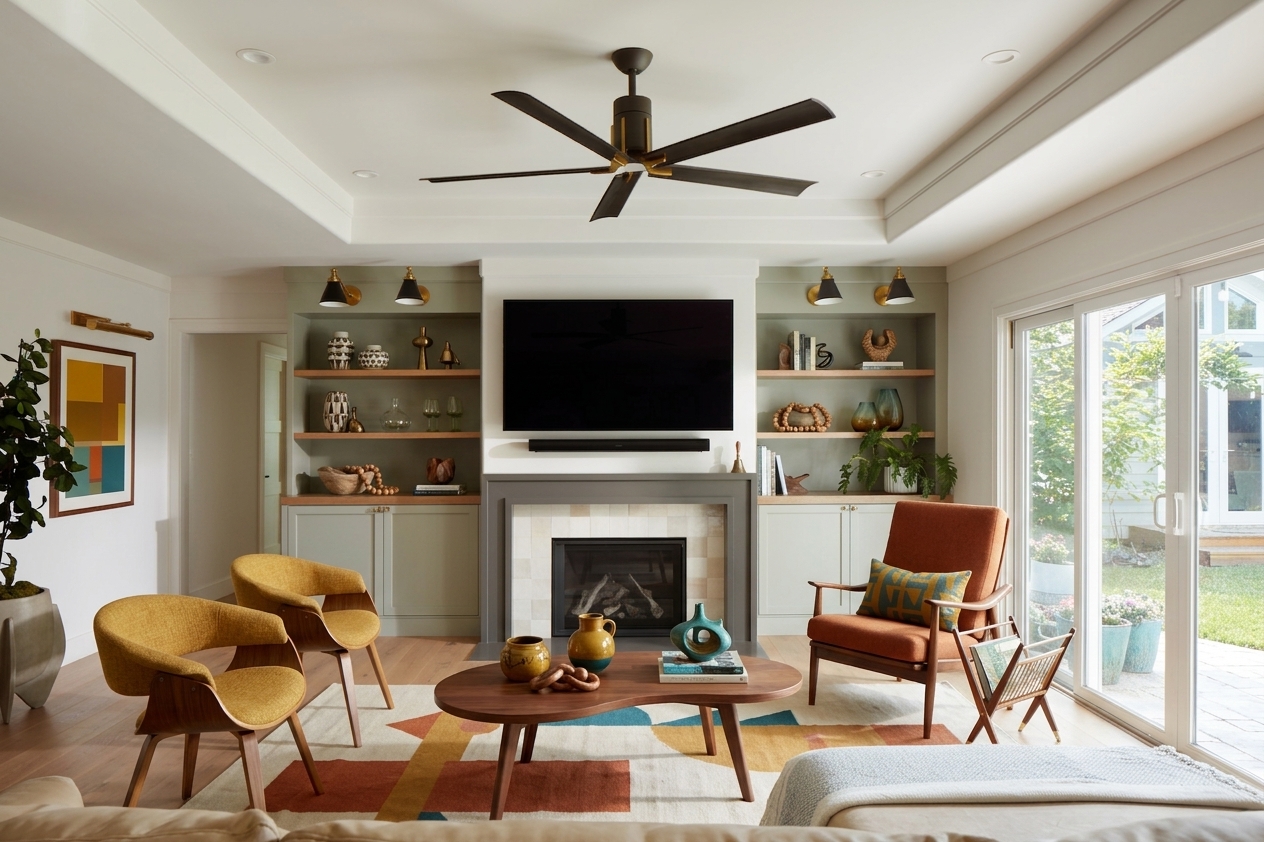
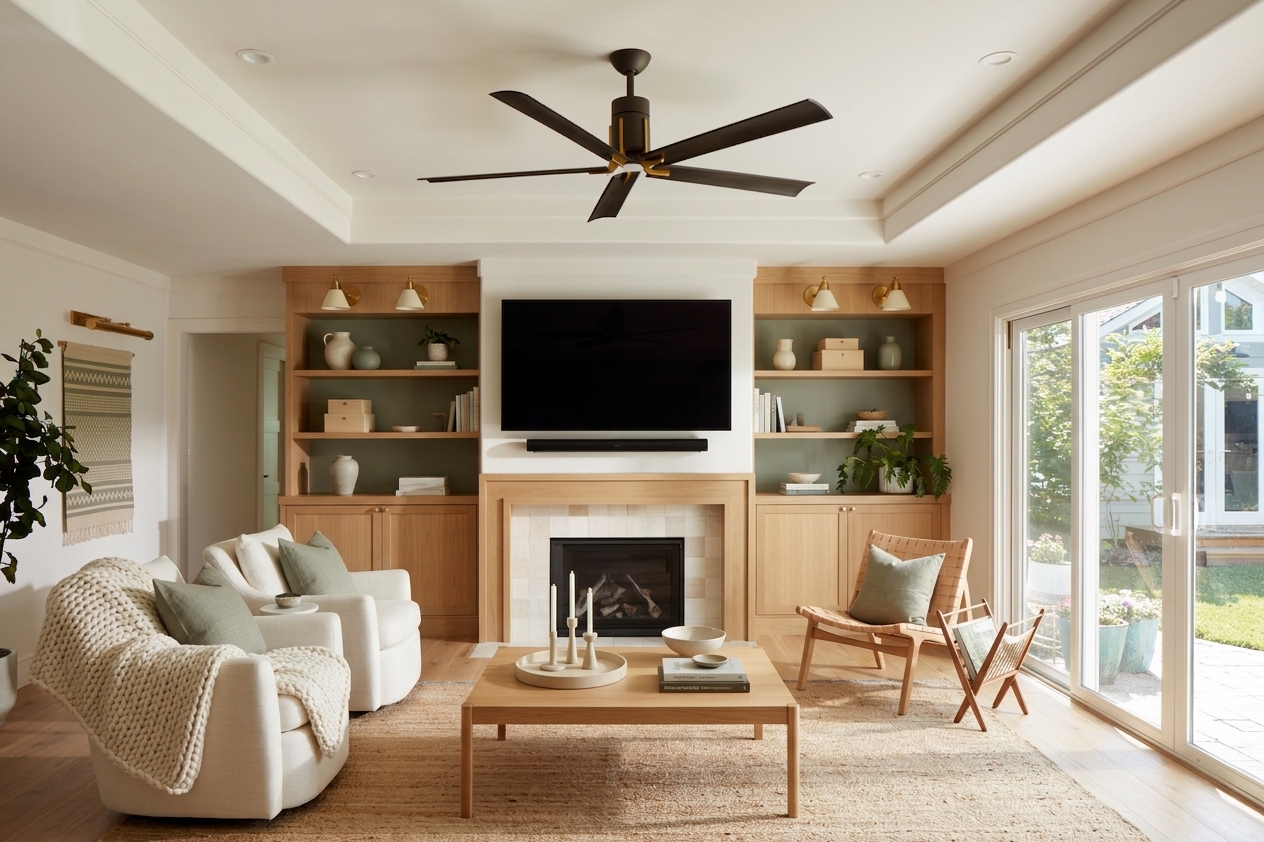
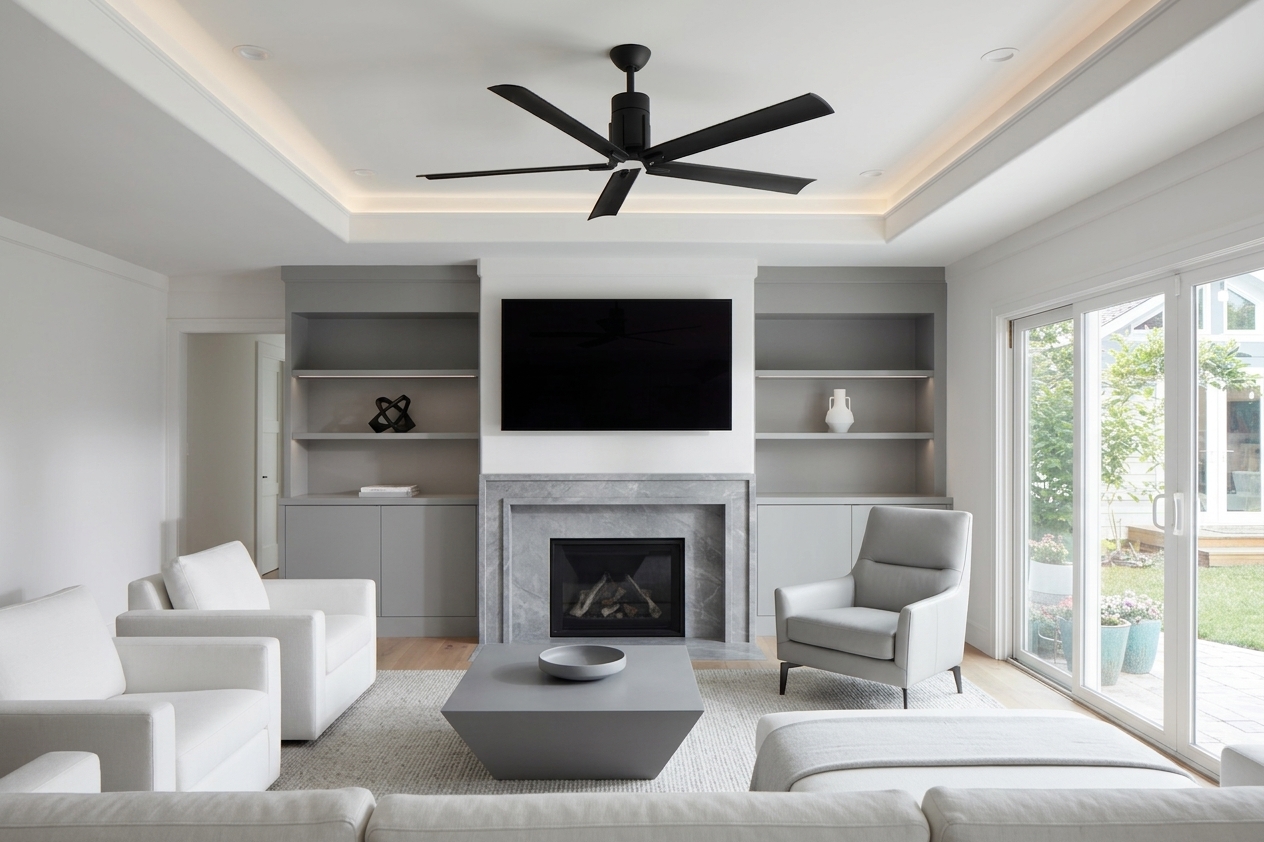
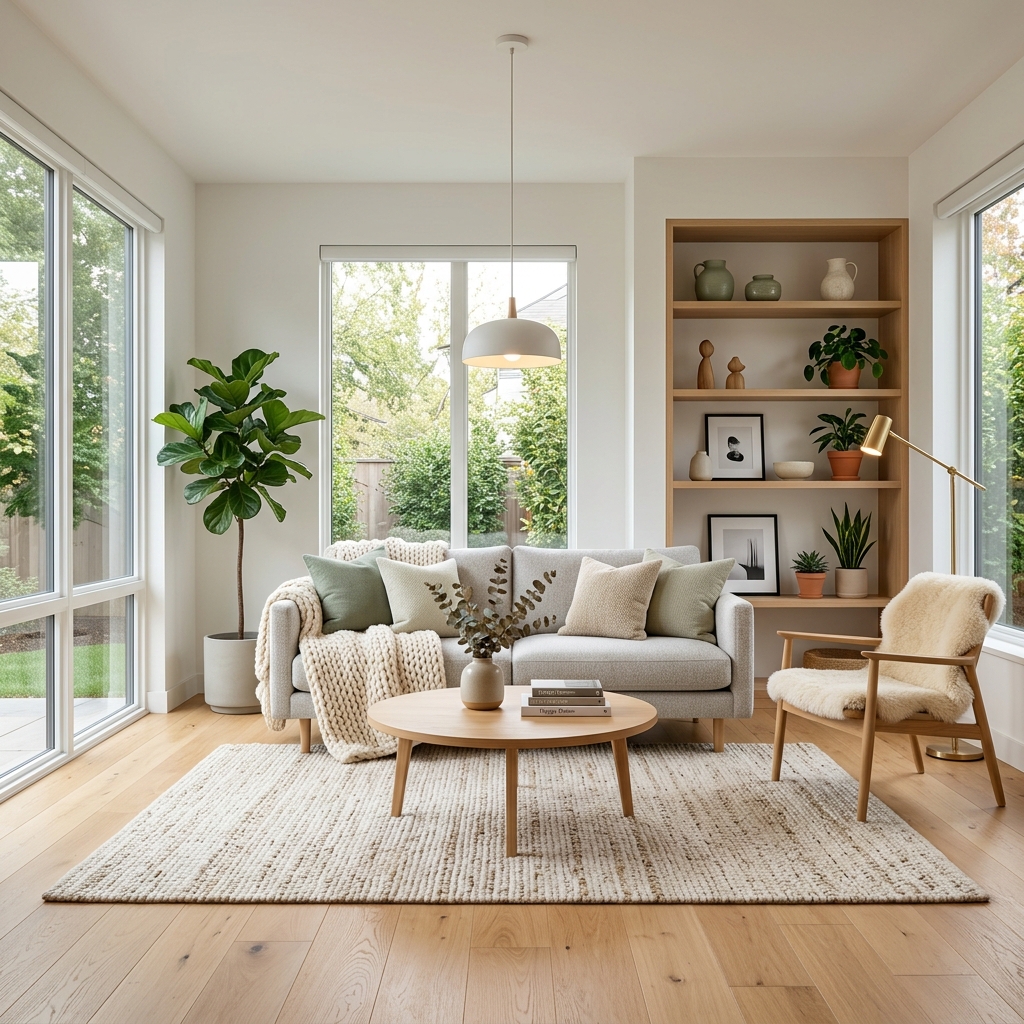
The app keeps your room's architecture — layout, windows, proportions — and re-imagines everything else eight times: furniture, materials, colors, and lighting in Scandinavian, Japandi, mid-century modern, industrial loft, modern farmhouse, bohemian, minimalist modern, and art deco styles. One upload, eight fully styled directions to react to.
Use cases
Renovation planning
See your actual room in eight styles before buying a single piece of furniture — align the household on a direction first.
Real estate and staging
Show buyers a property's potential with virtually staged versions of empty or dated rooms.
Interior design client decks
Give clients a style-direction menu rendered in their own space instead of generic mood boards.
Frequently asked questions
Yes — this app redesigns a photo of your real room in eight interior styles in one run, keeping the room's layout and windows while swapping furniture, colors, and materials.
Mood boards show someone else's room. This renders each style inside your actual space, so you can judge how Japandi or industrial genuinely looks with your proportions and light.
A straight-on, well-lit photo showing as much of the room as possible. Wide shots from a corner or doorway work best; extreme angles reduce accuracy.
Scandinavian, Japandi, mid-century modern, industrial loft, modern farmhouse, bohemian, minimalist modern, and art deco — each with its own furniture, palette, and lighting treatment.
New Scenetra accounts include 100 free credits, which covers your first full eight-style run. After that, buy credits.
Yes — open the underlying board in Scenetra, keep the style prompt you liked, and generate more variations or push it to other rooms.
How it works
Fill in the form
Upload your images and enter your prompts — no node editor needed.
Generate
Hit generate and the AI workflow runs automatically behind the scenes.
Download or customize
Get your results instantly, or open in the full workspace to tweak everything.
Models behind this tool
Related tools
AI Motion Transfer
Copy the motion from any video onto up to four AI characters — each performs the exact same dance, gestures, or delivery, in sync.
AI Product Photography
Upload one product photo and get four professional lifestyle scenes — kitchen, garden, studio, and living room — background-removed, restaged, and upscaled to crisp detail.
AI Fashion Photoshoot Generator
Upload your clothing photos and get a full AI fashion photoshoot — a generated model wears your garments across styled, cinematic shots.
AI Product Animator
Animate a product photo into a short, ultra-realistic promo clip — background removed, product restaged, then brought to life with camera motion.