GPT Image 2.6 Flare
OpenAI's fast image model, now with animated GIF and SVG vector output. GPT Image 2.6 Flare generates and edits images at 1K, 2K, or 4K with five quality levels up to Max, native transparent backgrounds, up to 16 reference images, and up to 4 images per run, with a planning setting for dense text and complex layouts.
67% less than the priciest provider (7 compared). Same model, same output.
As of , GPT Image 2.6 Flare costs from $0.016 per image on Scenetra, billed at provider cost with no markup. Each run is priced across 7 providers and runs on the cheapest one that supports your settings.
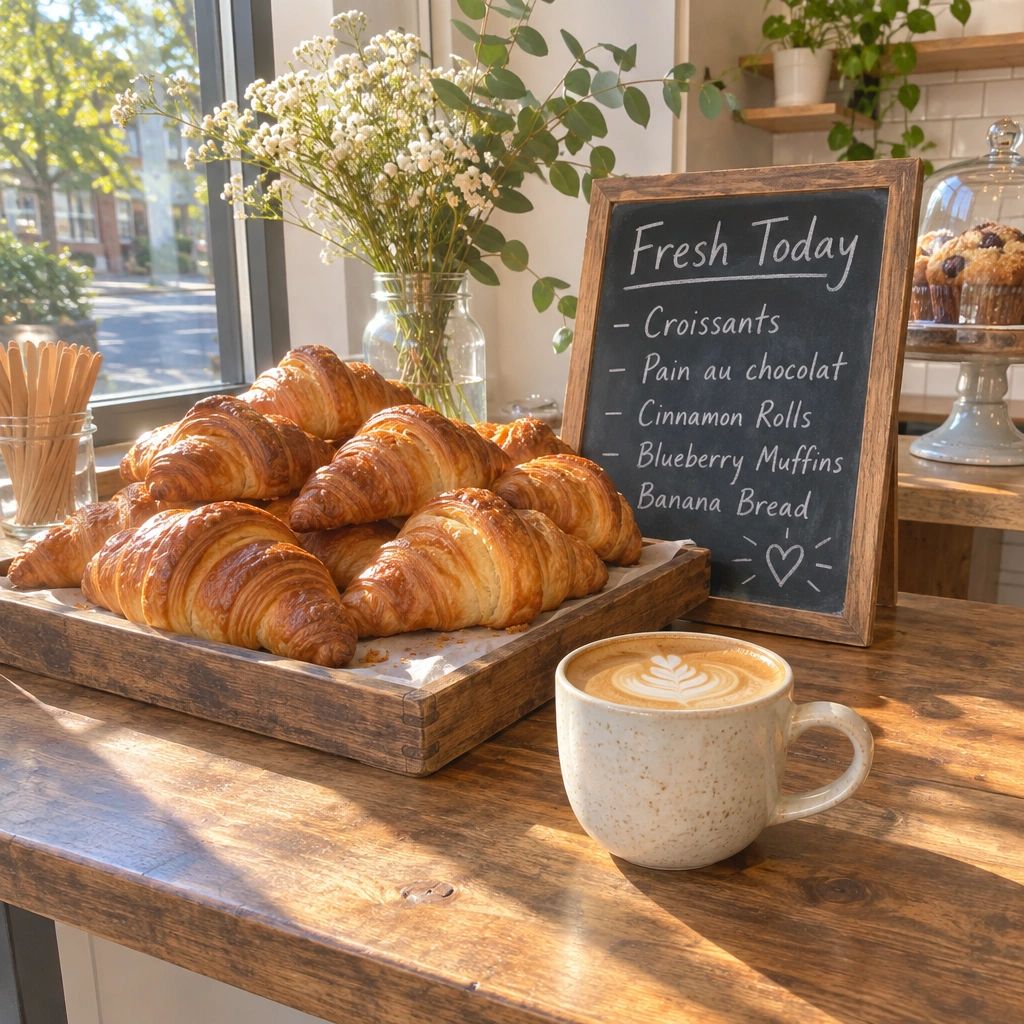
Optional images to edit or use as reference (up to 16). Leave empty for pure text-to-image.
Resolution
Output resolution tier.
Aspect Ratio
Aspect ratio of the generated image. 'auto' lets the model choose.
Quality
Rendering quality. Low is a fast draft; xhigh and max push detail for final assets. The price difference is large.
Background
Transparent requires PNG, WebP or SVG output. Auto lets the model decide.
Output Format
File type of the result. GIF returns a short looping animation; SVG returns an editable vector file.
Complexity
How much the model plans before rendering. Higher helps dense text and complex layouts; no extra cost.
Frame Count
GIF only: number of frames (2-8, or 16).
Frame Duration Ms
GIF only: how long each frame shows, in milliseconds (20-2000).
67% less than the priciest provider (7 compared). Same model, same output.
Your result renders here.
Use GPT Image 2.6 Flare via the API
One REST call per generation, routed to the cheapest provider and billed in credits at provider cost. Endpoints, request fields, code examples and pricing are in the full API reference.
What makes GPT Image 2.6 Flare different
The fast tier of GPT Image 2.6
Flare is OpenAI's fastest GPT Image 2.6 model, tuned for high-volume, everyday generation where turnaround matters: creator content, social visuals, product imagery and rapid prototyping. It shares Sunburst's quality ladder and price per image, so you trade nothing on cost for the lower latency.
Animated GIF and SVG vector output
Set Output Format to GIF for a short looping animation (2 to 8 or 16 frames, with a frame duration you control; 8 frames at 200 ms by default) or to SVG for an editable vector file. An 8-frame GIF (1:1, Medium) costs about $0.03, and a Medium SVG about $0.049. Generated GIF and SVG files are final outputs: they can't be wired into other nodes.
Planning setting for dense layouts
The new Planning control (Low, Medium, High, High by default) sets how much the model plans before it renders. Higher planning helps with dense text, infographics and complex multi-element layouts, and it adds no cost.
Five quality tiers, transparency and 16 references
Low, Medium, High, Extra High and Max let you match spend to purpose inside one node: Low drafts start at $0.016 per image at 1K (16:9) and Medium is about $0.028. Render straight to a transparent background with PNG, WebP or SVG output, attach up to 16 input images, and pick from eleven aspect ratios at 1K, 2K or 4K. Every run goes to the cheapest capable provider for your exact settings, billed at provider cost with 0% markup; the node shows the price before you run.
Parameters
| Parameter | Type | Description | Default |
|---|---|---|---|
| Prompt* | text | Describe the image to generate, or the edit to apply to the input images. | — |
| Input Images | image upload | Optional images to edit or use as reference (up to 16). Leave empty for pure text-to-image. | — |
| Resolution | select | Output resolution tier.1K · 2K · 4K | 1K |
| Aspect Ratio | select | Aspect ratio of the generated image. Auto lets the model choose.Auto · 21:9 · 16:9 · 3:2 · 4:3 · 5:4 · 1:1 · 4:5 · 3:4 · 2:3 · 9:16 | auto |
| Quality | select | Rendering quality. Low is a fast draft; Extra High and Max push detail for final assets — the price difference is large.Low · Medium · High · Extra High · Max | medium |
| Background | select | Transparent requires a PNG, WebP or SVG output. Auto lets the model decide.auto · transparent · opaque | auto |
| Number of Images | number | How many images to generate (1-4). | 1 |
| Output Format | select | File type of the result. GIF returns a short looping animation; SVG returns an editable vector file.png · jpeg · webp · gif · svg | png |
| Planning | select | How much the model plans before rendering. Higher helps dense text and complex layouts; no extra cost.Low · Medium · High | high |
| Frames | number | GIF only: number of frames in the animation (2-8, or 16). | 9 |
| Frame Duration (ms) | number | GIF only: how long each frame shows, in milliseconds (20-2000). | 200 |
Pricing
From $0.016 per image
Pay per generation — only pay for what you use.
Low - 1K
$0.016
per image (16:9 PNG; square images cost more). GIF and SVG at 1:1.
Low - 2K
$0.02
per image (16:9 PNG; square images cost more). GIF and SVG at 1:1.
Low - 4K
$0.042
per image (16:9 PNG; square images cost more). GIF and SVG at 1:1.
Medium - 1K
$0.028
per image (16:9 PNG; square images cost more). GIF and SVG at 1:1.
Medium - 2K
$0.034
per image (16:9 PNG; square images cost more). GIF and SVG at 1:1.
Medium - 4K
$0.073
per image (16:9 PNG; square images cost more). GIF and SVG at 1:1.
High - 1K
$0.032
per image (16:9 PNG; square images cost more). GIF and SVG at 1:1.
High - 2K
$0.038
per image (16:9 PNG; square images cost more). GIF and SVG at 1:1.
High - 4K
$0.085
per image (16:9 PNG; square images cost more). GIF and SVG at 1:1.
Extra High - 1K
$0.055
per image (16:9 PNG; square images cost more). GIF and SVG at 1:1.
Extra High - 2K
$0.065
per image (16:9 PNG; square images cost more). GIF and SVG at 1:1.
Extra High - 4K
$0.147
per image (16:9 PNG; square images cost more). GIF and SVG at 1:1.
Max - 1K
$0.119
per image (16:9 PNG; square images cost more). GIF and SVG at 1:1.
Max - 2K
$0.14
per image (16:9 PNG; square images cost more). GIF and SVG at 1:1.
Max - 4K
$0.325
per image (16:9 PNG; square images cost more). GIF and SVG at 1:1.
GIF, 8 frames (Medium, 1:1)
$0.03
per image (16:9 PNG; square images cost more). GIF and SVG at 1:1.
GIF, 16 frames (Medium, 1:1)
$0.045
per image (16:9 PNG; square images cost more). GIF and SVG at 1:1.
SVG - Medium
$0.049
per image (16:9 PNG; square images cost more). GIF and SVG at 1:1.
SVG - High
$0.057
per image (16:9 PNG; square images cost more). GIF and SVG at 1:1.
Use cases
Marketing & ads
- High-volume campaign variations
- Max-quality finals up to 4K
- Transparent logo and badge assets
- Variant batches for A/B tests
E-commerce
- Product cutouts on transparency
- Consistent products across new scenes
- Listing edits from reference shots
- Composites from up to 16 inputs
Product & UI design
- Icons and stickers with alpha channels
- Mockups at precise ratios
- Text-heavy graphics and layouts
- Print-ready detail at Extra High and Max
Social content
- Vertical 9:16 and 4:5 posts
- Iterative multi-step edits
- Thumbnails in batches of 4
- Fast drafts at Low quality
Motion & vector assets
- Short looping GIF animations
- Reaction and sticker GIFs
- Editable SVG logos and icons
- Vector illustrations for web
Frequently asked questions
What is GPT Image 2.6 Flare?+
GPT Image 2.6 Flare is the fast tier of OpenAI's GPT Image 2.6, released November 4, 2026. It generates images from text and edits from up to 16 reference images, at 1K, 2K or 4K with five quality levels, native transparent backgrounds and up to 4 images per run, and it adds animated GIF and SVG vector output. On Scenetra it runs as a node in the visual workflow editor.
Flare or Sunburst: which should I use?+
Both cost the same per image. Flare is the faster model for everyday, high-volume generation; Sunburst spends more time per image and is tuned for edits where precision matters most. Start with Flare and switch to Sunburst for demanding, detail-critical edits.
Can GPT Image 2.6 Flare make GIFs and SVGs?+
Yes. Choose GIF as the output format for a short looping animation (2 to 16 frames, 9 by default, with an adjustable frame duration) or SVG for an editable vector file. GIF and SVG results are final outputs and can't be connected to other nodes' inputs.
What does the Planning setting do?+
Planning (Low, Medium or High, High by default) controls how much the model plans before it renders. Higher planning helps with dense text and complex layouts. It does not change the price.
How much does GPT Image 2.6 Flare cost?+
From $0.016 per image on Scenetra. At 1K (16:9 PNG): Low $0.016, Medium $0.028, High $0.032, Extra High $0.055, Max $0.119. At 4K: $0.042 to $0.325. Square images cost more than wide ones because OpenAI bills by output tokens. An 8-frame GIF (1:1, Medium) is about $0.03 and a Medium SVG about $0.049. The node shows the exact price for your settings before you run, billed at provider cost with 0% markup.
Can GPT Image 2.6 Flare edit existing images?+
Yes. Attach up to 16 input images and describe the change, or use them as style and subject references. On a Scenetra board, inputs can be the outputs of other nodes, so Flare can serve as an editing stage in a longer pipeline.
Can I use GPT Image 2.6 Flare through an API?+
Yes. Call POST /api/v1/generate/gpt-image-26-flare with a Scenetra API key. Every request is routed to the cheapest capable provider and billed at cost from your credit balance.
Do I need an OpenAI API key to use GPT Image 2.6 Flare on Scenetra?+
No. Sign up, drop a GPT Image 2.6 Flare node on a board and generate; every run is paid from your Scenetra credit balance at provider cost.
Related models
GPT Image 2.5 Flare
OpenAI's fast everyday image model. GPT Image 2.5 Flare generates and edits images at 1K, 2K, or 4K with five quality levels up to Max, native transparent backgrounds, up to 16 reference images, and up to 4 images per run — with lower latency than Sunburst at the same price.
View model →GPT Image 2.6 Sunburst
OpenAI's precision image model, now with animated GIF and SVG vector output. GPT Image 2.6 Sunburst generates and edits images at 1K, 2K, or 4K with five quality levels up to Max, native transparent backgrounds, up to 16 reference images for exact, instruction-following edits, and up to 4 images per run, with a planning setting for dense text and complex layouts.
View model →GPT Image 2
OpenAI's most advanced image model. GPT Image 2 generates and edits images at 1K, 2K, or 4K with three quality levels, native transparent backgrounds, up to 10 input images for editing and reference, and batch output of up to 4 images per run.
View model →Nano Banana Pro
The professional tier of Google's Gemini-powered image generation. Nano Banana Pro delivers higher quality outputs with support for up to 4K resolution, flexible aspect ratios, multiple output formats, and image editing with reference images.
View model →Seedream 5 Pro
ByteDance's most advanced image generation and editing model. Seedream 5 Pro delivers high-fidelity output at 1K (about 2MP) or 2K (about 4MP), supports up to 10 reference images for editing and composition, and covers nine aspect ratios from ultrawide 21:9 to vertical 9:16 — including an Auto mode that infers framing from your prompt.
View model →Start creating with GPT Image 2.6 Flare
Use GPT Image 2.6 Flare alongside 50+ other AI models in Scenetra's visual workflow editor. No setup required.
Get Started