Grok Imagine 2
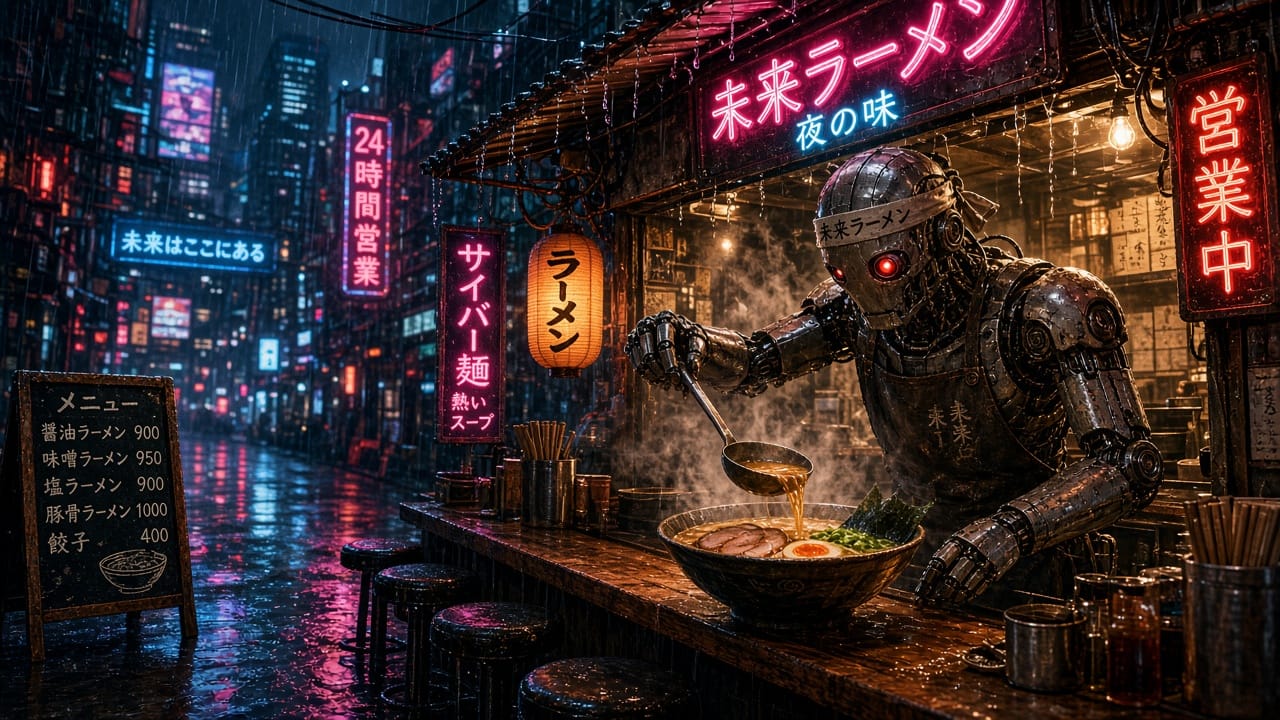
xAI's Grok Imagine Image 2.0 — fast, expressive image generation and single-image editing. Grok Imagine 2 renders at 1K or 2K for the same flat price, offers a low-quality draft mode alongside its best-quality medium tier, and covers eight aspect ratios including an Auto framing mode.
33% less than the priciest provider (4 compared). Same model, same output.
Optional input image to edit. This model edits one image; leave empty for pure text-to-image.
Aspect Ratio
Aspect ratio of the generated image. 'auto' lets the model infer framing where supported.
Resolution
Output resolution tier.
Quality
Generation quality. 'medium' produces the best results, 'low' is faster and cheaper on some providers.
33% less than the priciest provider (4 compared). Same model, same output.
Your result renders here.
Use Grok Imagine 2 via the API
Generate with Grok Imagine 2 from your own code. Async by design: submit a generation, get a run id back instantly, poll until it completes. Billed in credits at the best available provider price — $0.04 per image.
1 — Start a generation
curl -X POST https://app.scenetra.com/api/v1/generate/grok-image-2 \
  -H "Authorization: Bearer YOUR_API_KEY" \
  -H "Content-Type: application/json" \
  -d '{"prompt":"a watercolor fox in falling snow, soft light","aspect_ratio":"1:1","resolution":"2k","quality":"medium"}'
Response (202)
{
  "runId": "run_abc123",
  "status": "PENDING",
  "model": "grok-image-2",
  "estimatedCredits": 40,
  "statusUrl": "/api/v1/runs/run_abc123"
}
2 — Poll until COMPLETED (every 2-5 seconds)
curl https://app.scenetra.com/api/v1/runs/run_abc123 \
  -H "Authorization: Bearer YOUR_API_KEY"
Response
{
  "runId": "run_abc123",
  "status": "COMPLETED",
  "progress": { "completed": 1, "total": 1 },
  "outputs": [
    { "type": "image", "url": "https://images.scenetra.com/..." }
  ],
  "error": null,
  "estimatedCredits": 40
}
Request fields
| Field | Type | Description | Default |
|---|---|---|---|
| prompt* | string | Describe the image to generate, or the edit to apply to the input image. | — |
| image_urls | string[] (https URLs) | Optional input image to edit. This model edits one image; leave empty for pure text-to-image. | — |
| aspect_ratio | string | Aspect ratio of the generated image. 'auto' lets the model infer framing where supported.auto · 16:9 · 3:2 · 4:3 · 1:1 · 3:4 · 2:3 · 9:16 | 1:1 |
| resolution | string | Output resolution tier.1k · 2k | 1k |
| quality | string | Generation quality. 'medium' produces the best results, 'low' is faster and cheaper on some providers.low · medium | medium |
| callbackUrl | string (https URL) | Optional. When the run finishes (completed or failed), we POST the final run status to this URL — same shape as the poll response, plus model, params, and chargedCredits. Best-effort; polling remains the source of truth. | |
Unknown fields are rejected with a helpful 400. Media fields take https URLs. There is no provider parameter — every run is routed to the cheapest capable provider automatically.
Good to know
Billing
Runs bill your account credits at provider cost with 0% markup. The submit response includes the credit estimate; failed generations are refunded automatically. Add ?dryRun=1 to get the estimate without running anything.
Errors
Errors are always { "error": { "code", "message" } } with stable codes: unauthorized, model_not_available, invalid_parameter, insufficient_credits, rate_limited. A failed run is not an HTTP error — poll responses report status: "FAILED" with the reason.
What makes Grok Imagine 2 different
2K costs the same as 1K
Grok Imagine 2 charges $0.04 per image at medium quality whether you render at 1K or 2K — there's no resolution premium, so there's rarely a reason not to take the larger output. A dollar buys 25 full-quality 2K images, billed at provider cost with 0% markup.
xAI's expressive image engine
Built as the image side of xAI's Grok Imagine stack, version 2.0 is tuned for fast, expressive generation — punchy, stylized results with quick turnaround. It pairs naturally with Grok Imagine Video 1.5 on a Scenetra board: generate a frame here, feed it into the video model's image-to-video node one edge away.
Single-image editing
Attach one input image and describe the change — restyle it, alter a subject, shift the mood — and Grok Imagine 2 applies the edit. It deliberately works on a single image at a time, which keeps edits focused; for multi-reference composition, models like Seedream 5 Pro on the same board pick up that job.
A draft mode when speed beats polish
The quality switch has two positions: medium is the default and produces the model's best results, while low trades polish for speed — useful for prompt exploration before committing to full-quality renders (both bill the same flat $0.04). Eight aspect ratios, including an Auto mode that infers framing, cover the standard canvases.
Parameters
| Parameter | Type | Description | Default |
|---|---|---|---|
| Prompt* | text | Describe the image to generate, or the edit to apply to the input image. | — |
| Input Image | image upload | Optional input image to edit (this model edits one image at a time). Leave empty for pure text-to-image. | — |
| Aspect Ratio | select | Aspect ratio of the generated image. Auto lets the model infer framing where supported.auto · 16:9 · 3:2 · 4:3 · 1:1 · 3:4 · 2:3 · 9:16 | 1:1 |
| Resolution | select | Output resolution tier.1K · 2K | 1K |
| Quality | select | Generation quality — 'medium' produces the best results, 'low' is faster and cheaper.low · medium | medium |
Pricing
$0.04 per image
Pay per generation — only pay for what you use.
1K / 2K, any quality
$0.04
per image
Use cases
Social content
- Punchy stylized posts
- Vertical 9:16 visuals
- Meme and trend imagery at speed
- Thumbnails at 2K for free
Marketing & ads
- Fast creative variants
- Expressive campaign concepts
- One-image edits of existing assets
- 2K deliverables at a flat price
Video pipelines
- Start frames for Grok Imagine Video
- Storyboard stills
- Style frames before animation
- Edited variants of key frames
Ideation & drafts
- Low-quality mode for rapid exploration
- Prompt testing before final renders
- Moodboards on a budget
- Quick client sketches
Frequently asked questions
What is Grok Imagine 2?+
Grok Imagine 2 is xAI's Grok Imagine Image 2.0 model — fast, expressive image generation from text plus single-image editing. It outputs at 1K or 2K with two quality levels and eight aspect ratios. On Scenetra it runs as a node in the visual workflow editor, alongside the Grok Imagine Video models.
How much does Grok Imagine 2 cost?+
A flat $0.04 per image on Scenetra — the same price at 1K and 2K and at both quality levels, with no resolution surcharge. The node shows the exact price before you run, and billing is per generation at provider cost with 0% markup.
Can Grok Imagine 2 edit images?+
Yes — attach a single input image and describe the edit in the prompt. The model works on one image at a time by design; for multi-image composition or many-reference edits, chain it with a model like Seedream 5 Pro or Nano Banana 2 on the same Scenetra board.
Should I use low or medium quality?+
Medium is the default and produces the model's best results — use it for anything you plan to keep. Low is faster, which makes it handy for quickly exploring prompts and compositions before re-running the winner at medium; both cost the same $0.04 per image.
What aspect ratios does Grok Imagine 2 support?+
Eight: auto, 16:9, 3:2, 4:3, 1:1, 3:4, 2:3, and 9:16. Auto lets the model infer the framing from your prompt where supported.
Can I use Grok Imagine 2 with Grok's video models?+
Yes — that's one of its best uses on Scenetra. Generate or edit a frame with Grok Imagine 2, then wire the output into a Grok Imagine Video 1.5 image-to-video node on the same board to animate it, all in one visual workflow.
Related models
Grok Imagine Video 1.5
xAI's Grok Imagine Video 1.5 turns a text prompt into a video with synchronized audio generated in the same pass — no separate sound step and no audio surcharge. Choose any duration from 1 to 15 seconds, three resolutions from 480p to 1080p, and eight aspect ratios from widescreen 16:9 to vertical 9:16.
View model →Nano Banana 2
Generate high-quality images at up to 4K resolution using Google's Gemini 3.1 Flash model. Nano Banana 2 is optimized for speed, supports text-to-image and image editing with reference images, and offers flexible aspect ratios.
View model →Flux 2 Pro
Black Forest Labs' professional-grade image model delivering high-quality outputs with precise control. Flux 2 Pro supports text-to-image generation and image editing with flexible sizing, safety controls, and simple flat per-image pricing.
View model →GPT Image 2
OpenAI's most advanced image model. GPT Image 2 generates and edits images at 1K, 2K, or 4K with three quality levels, native transparent backgrounds, up to 10 input images for editing and reference, and batch output of up to 4 images per run.
View model →Start creating with Grok Imagine 2
Use Grok Imagine 2 alongside 50+ other AI models in Scenetra's visual workflow editor. No setup required.
Get Started